Scan Pro Receipts
Turn receipt chaos into clean reports in minutes.
Scan Pro Receipts is built for professionals, business owners, and teams who need accurate expense tracking without spreadsheet pain. Capture receipts from camera, gallery, or files, review OCR results quickly, and generate reports that are ready to send.
What makes Scan Pro Receipts different
- Intelligent OCR with confidence highlights: low-confidence fields are clearly marked so you can fix only what matters.
- Ad-free by design: no banner clutter, popup interruptions, or ad-tracking distractions while you scan and organize receipts.
- Smart recalculation: correcting one uncertain field can auto-adjust related values to save time.
- Flexible exports: generate PDF reports, CSV exports, and image bundles (including ZIP workflows).
- Corporate + personal handling: track reimbursable expenses separately and choose report type during export.
- Built for travel: temporarily override country, region, and currency for foreign receipts.
- Backup-first workflow: receipt images are preserved locally so you can recover originals when needed.
Typical workflow
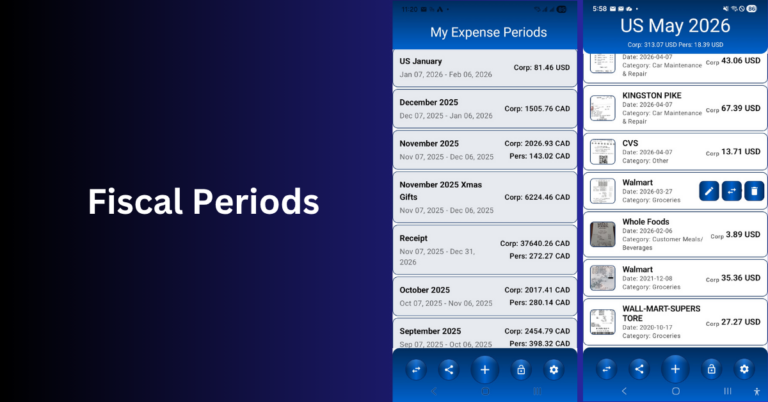
- Create or open a fiscal period.
- Add receipts by camera, gallery, or file import.
- Review highlighted OCR fields and confirm totals.
- Share a filtered report (personal, corporate, or both).
- Export as PDF, CSV, or image package for accounting/reimbursement.
Explore the learn center
Product screenshots
Real screens from the live Scan Pro Receipts workflow on tj-s.ca.